A Jellyfin app for iPhone / Apple TV soon
Your own movies, shown properly.
Chromareel is an app for the movies and shows on your own Jellyfin server. It looks and feels like the big streaming apps: a real home screen, picks based on what you actually watch, downloads for trips, and a player that stays out of the way.
Made for iPhone Duo.
- Open it like a book
- Your library on one side, the movie you picked on the other. Tap something else and the other side updates.
- Half-fold it like a laptop
- The movie plays on the top half and the controls sit on the bottom half, so nothing covers the picture.
- Or use any iPhone
- We designed it on a folding phone first, but it works great on every iPhone.
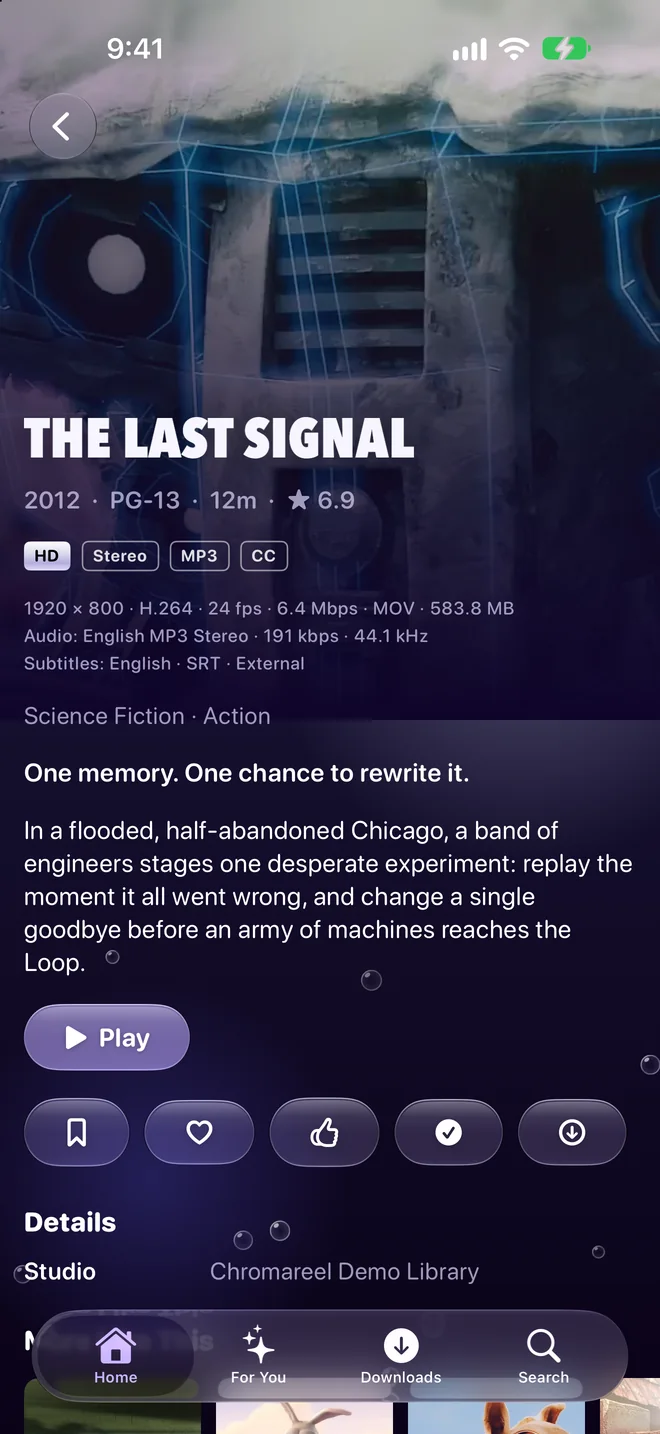
Open like a book: browse on the left, details on the right.
Everything you like about streaming apps. With your own library.
-
A home screen you'll want to open
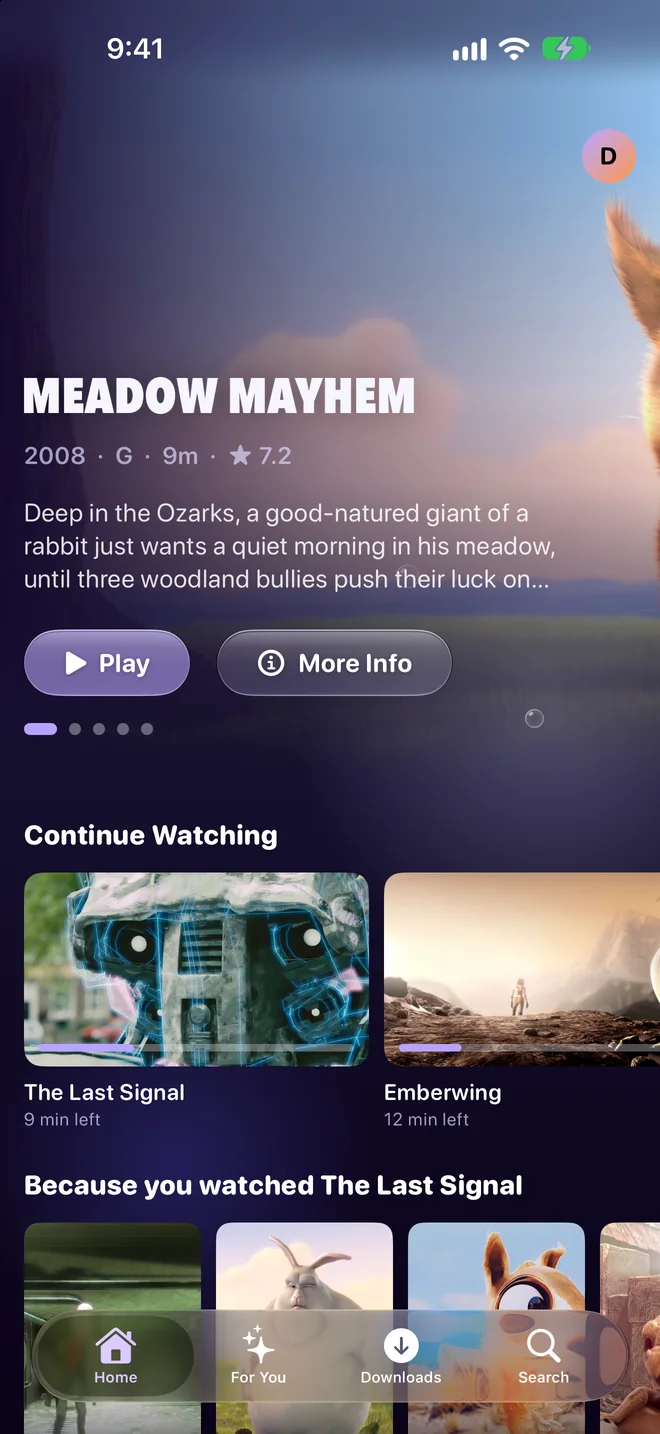
A featured movie up top, then Continue Watching, Recently Added and "Because you watched" rows, all from what's on your server.
-
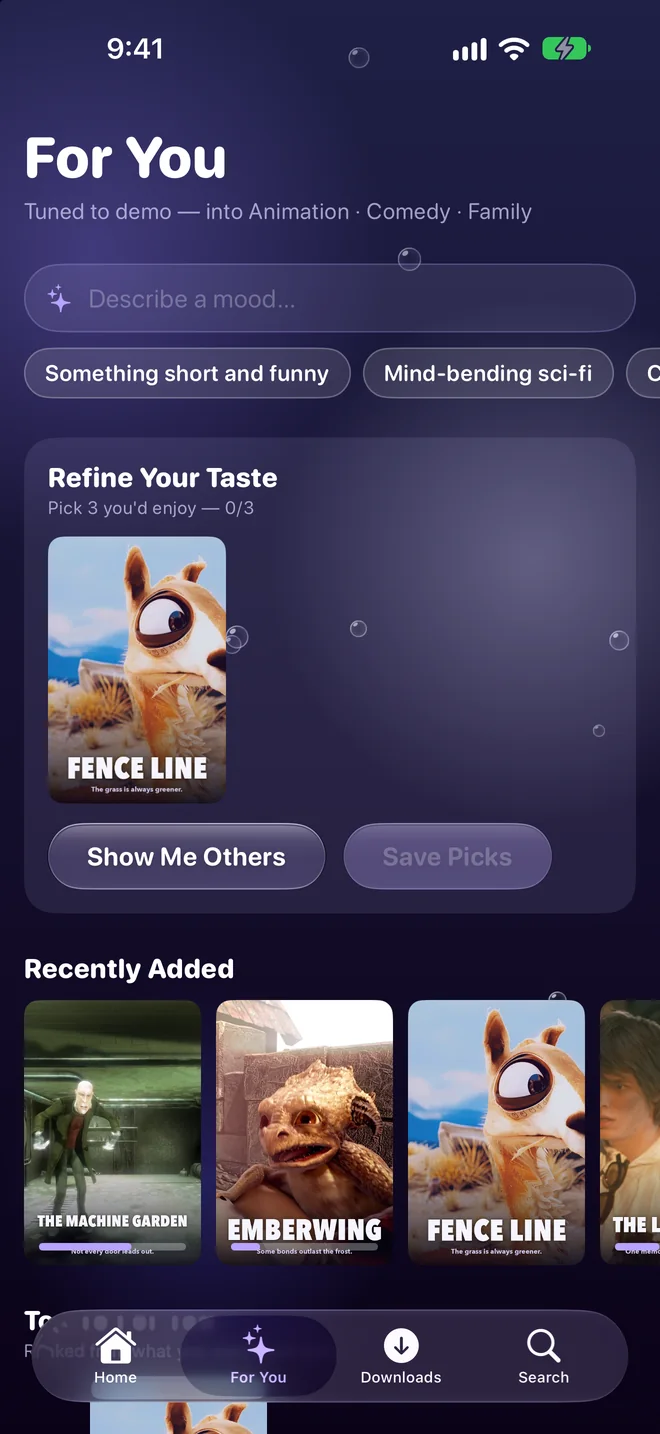
Picks for you
Tell Chromareel a few titles you love and it learns your taste. Or type a mood, like "something short and funny", and it finds a match in your library.
-
Downloads for trips
Save movies and episodes to your iPhone in the size you want, then watch them in Airplane Mode. Your spot syncs back when you're online again.
-
Skip intro and skip credits
One tap gets you past the opening. When the credits roll, the next episode is ready to go.
-
Subtitles, audio and quality in one place
Turn on subtitles or switch language mid-scene. On a slow connection, lower the quality and keep watching from the same spot.
-
All the file details, if you want them
Resolution, HDR and Dolby Vision, codecs, audio formats and every subtitle track, listed on each movie's page.
-
Big scenes fill your screen
When a movie switches to a taller picture for its biggest scenes, Chromareel can fill your display for those scenes, then go back.
-
Works at home and away
Full quality on your home Wi-Fi, and your own away address, such as Tailscale, when you're out. It picks whichever one works.
-
On your TV, too
An Apple TV app is on the way, with the same home screen. Start a movie on your phone and finish it on the couch.
-
Four looks
Chromareel's own liquid chrome, Y2K Chrome, Cinematic gold, or Dynamic, which changes with the seasons and holidays.
Pack a few movies for the trip.
Before you leave, tap Download and pick a size. Your server makes a copy your iPhone can play anywhere, subtitles included, and it keeps downloading while your phone is in your pocket.
Watch it anywhere. Downloads play with no Wi-Fi and no signal. Where you stop is saved on your phone and sent to your server when you're back online.
Keep it tidy. The Downloads tab shows what's saved and how much space it takes. Swipe one away when you're done.
Download
The Last Signal
- Original
- 583.8 MB
- High · 1080p
- about 606 MB
- Standard · 720p
- about 251 MB
A 12-minute film. A two-hour movie at Standard is about 2.4 GB.
Privacy
No account. No ads. No tracking.
You don't sign up for anything with us, and we don't run any servers. Chromareel connects straight from your iPhone to your own Jellyfin server, and nowhere else.
The optional AI features use an Ollama server you run yourself, and they're off unless you turn them on. Everything else stays on your phone and goes away if you delete the app. Read the privacy policy.
- Accounts with us
- none
- Analytics
- none
- Ads and trackers
- none
- Servers of our own
- none
- Data shared
- none
- Talks to
- your server
Bring your own library.
Chromareel plays the movies and shows on Jellyfin, the free media server you run at home on a Mac, a PC or a NAS. If you already have one, you're ready.
Connect. Chromareel finds servers on your Wi-Fi, or you can type the address. Sign in with your password or Quick Connect.
Press play. Your library shows up as a home screen, a For You tab and a player that feels like the big streaming apps. That's it.
Questions
- When can I get it?
- Very soon. A free public beta opens first, then the App Store. Follow @chromareel on X or @chromareelapp on Instagram and TikTok and we'll let you know.
- How much will it cost?
- We'll share pricing at launch. Either way, you're not paying for anyone's catalog: you're watching your own library.
- Do I need an iPhone Duo?
- No. We designed it on iPhone Duo first, which is why the two-sided layouts feel natural, but it runs on any iPhone with a recent version of iOS.
- Does it work with Plex or Emby?
- No, Chromareel is made for Jellyfin.
- Is my library sent anywhere?
- No. The app talks straight to your server and we have no servers of our own. See the privacy policy.
- Apple TV, iPad, Android?
- iPhone comes first, and an Apple TV app is on the way. iPad and Android may come later.
- Does skip intro work with every show?
- It uses the intro and credits markers on your Jellyfin server. If your server has intro detection set up, for example with the Intro Skipper plugin, the buttons show up on their own.